
How do I make a new shopping list?
Edited
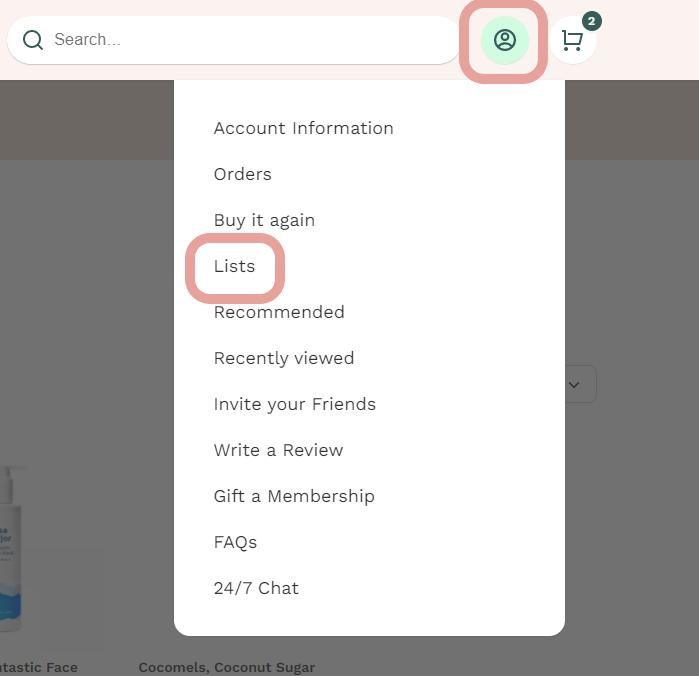
You can create a new shopping list by visiting your Lists page under your Account icon.
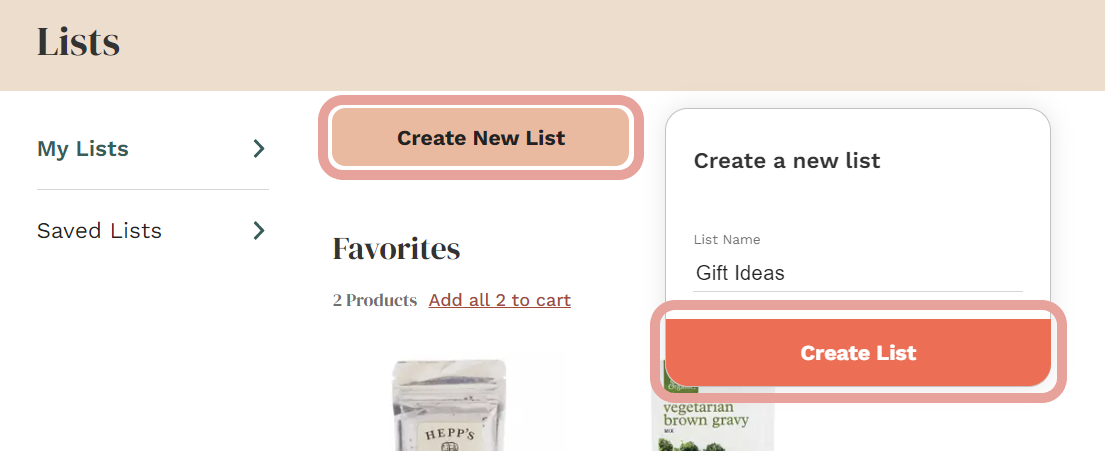
At the top of this page, you will see a button that says "Create New List"
When you click on that button, you will be prompted to name your new list. Here, we have typed "Gift Ideas" as the name of the new shopping list.
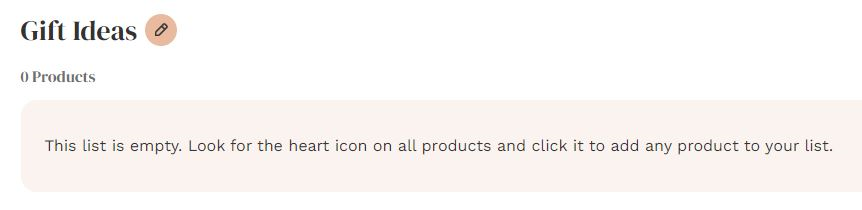
Once you click the "Create List" button, your new shopping list will be listed underneath your "Lists" tab
Was this article helpful?
Sorry about that! Care to tell us more?