
How do I leave a review?
We love feedback! There are two ways to review a product.
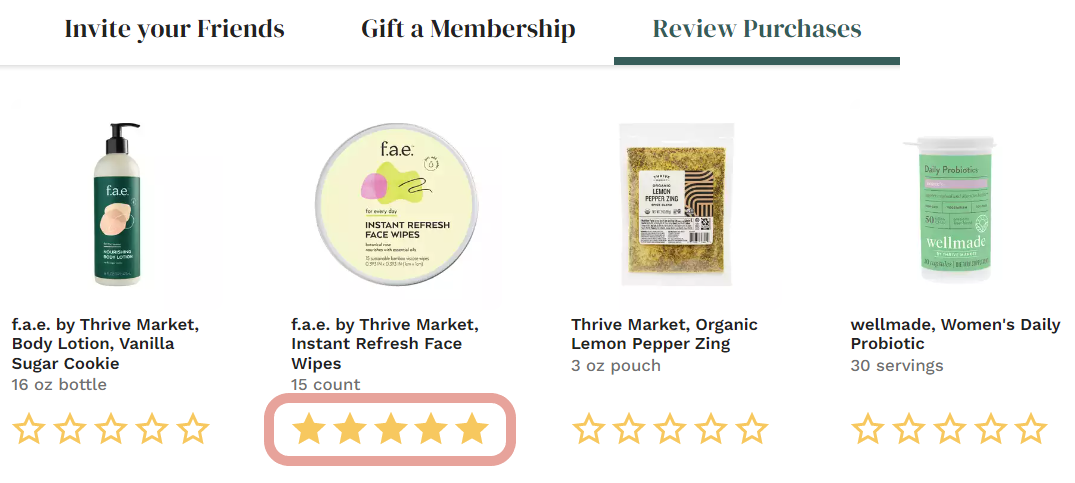
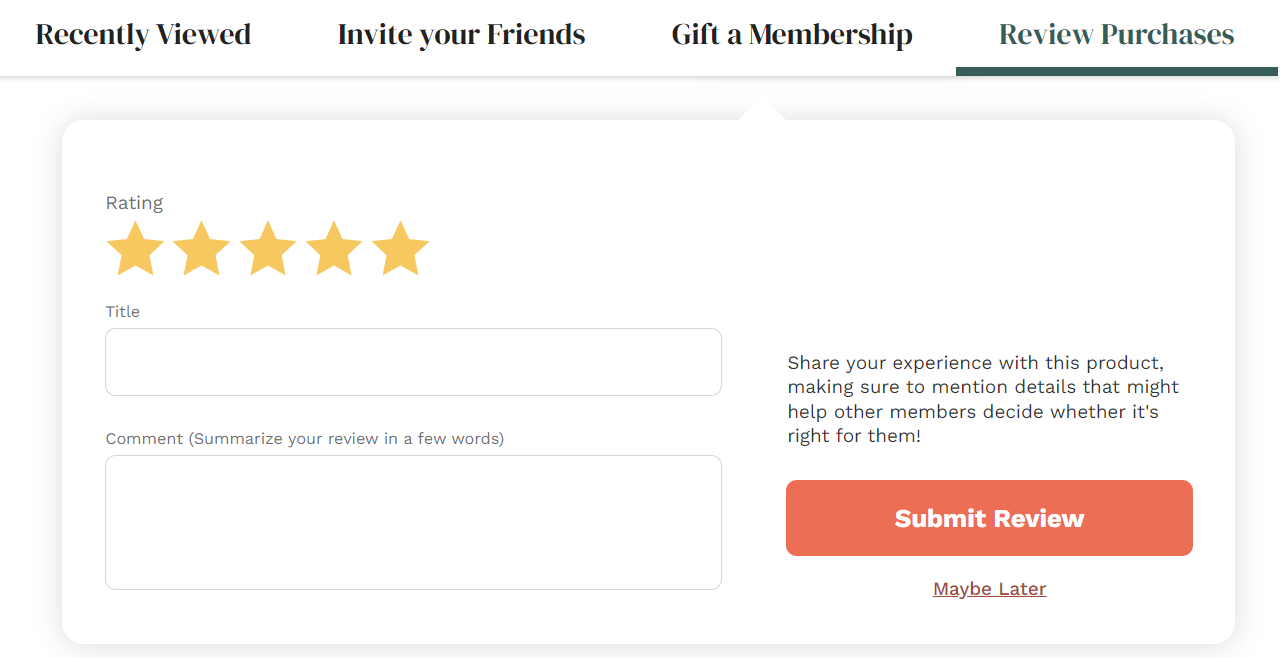
You can find all of your previous purchases to review on your Account page. Selecting a star rating under a product will open the review form for you to submit. If your review is eligible for Thrive Cash, you will receive an email once your review is posted.
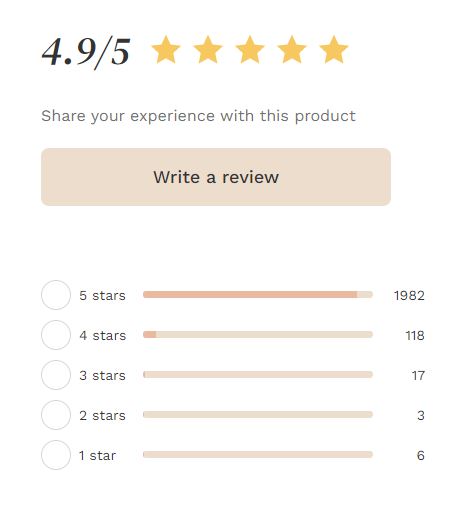
You can also leave a review by scrolling down on the product page of any item you want to review. You should see the current rating of the product and the “Write a Review” button.
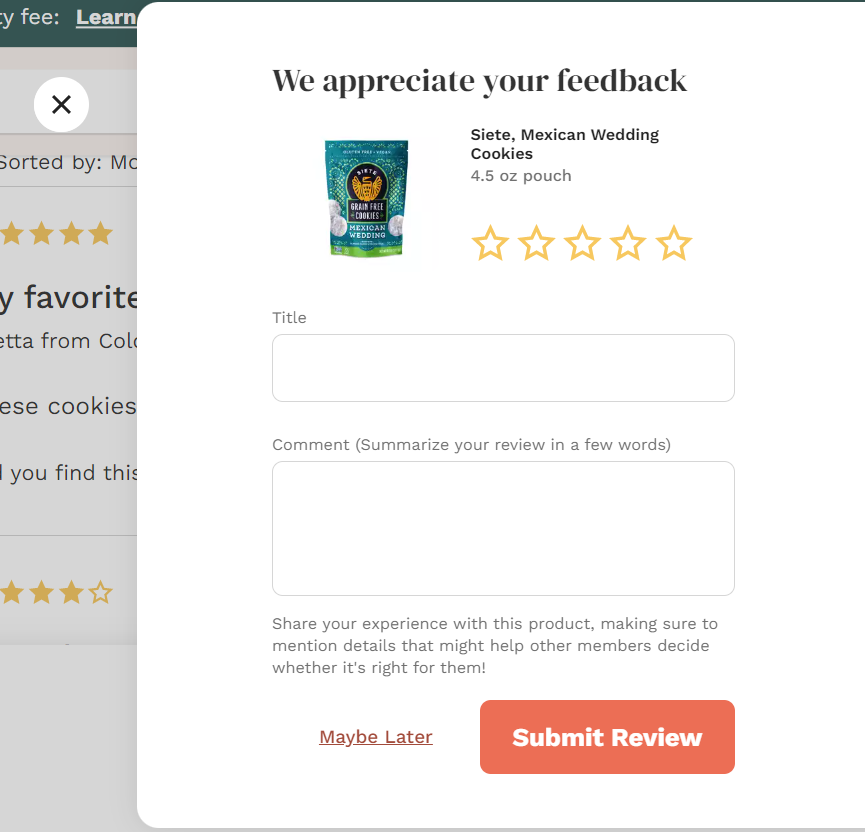
When you click that button, it will open a form for you. This is the blank canvas where you get to provide useful, constructive, and honest feedback. Have fun, and be as specific as you can! Your fellow Thrive Market members will thank you!
Reviews are typically posted within 2-3 business days.