How do I view my box or shopping cart?
Desktop:
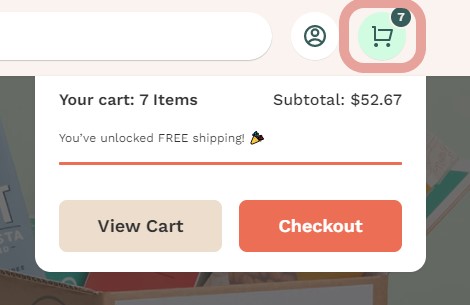
To view your shopping cart, you can click the shopping cart icon in the upper right corner of any page. You can also go directly to your cart here.

If you want to stay on the page you are browsing, you can also hover over the shopping cart button to view the total of your current cart, whether you have met either the free shipping threshold or the gift with purchase threshold, and your subtotal. Once you are ready to checkout, you can click the “Checkout” button which will take you to the checkout page.
App:
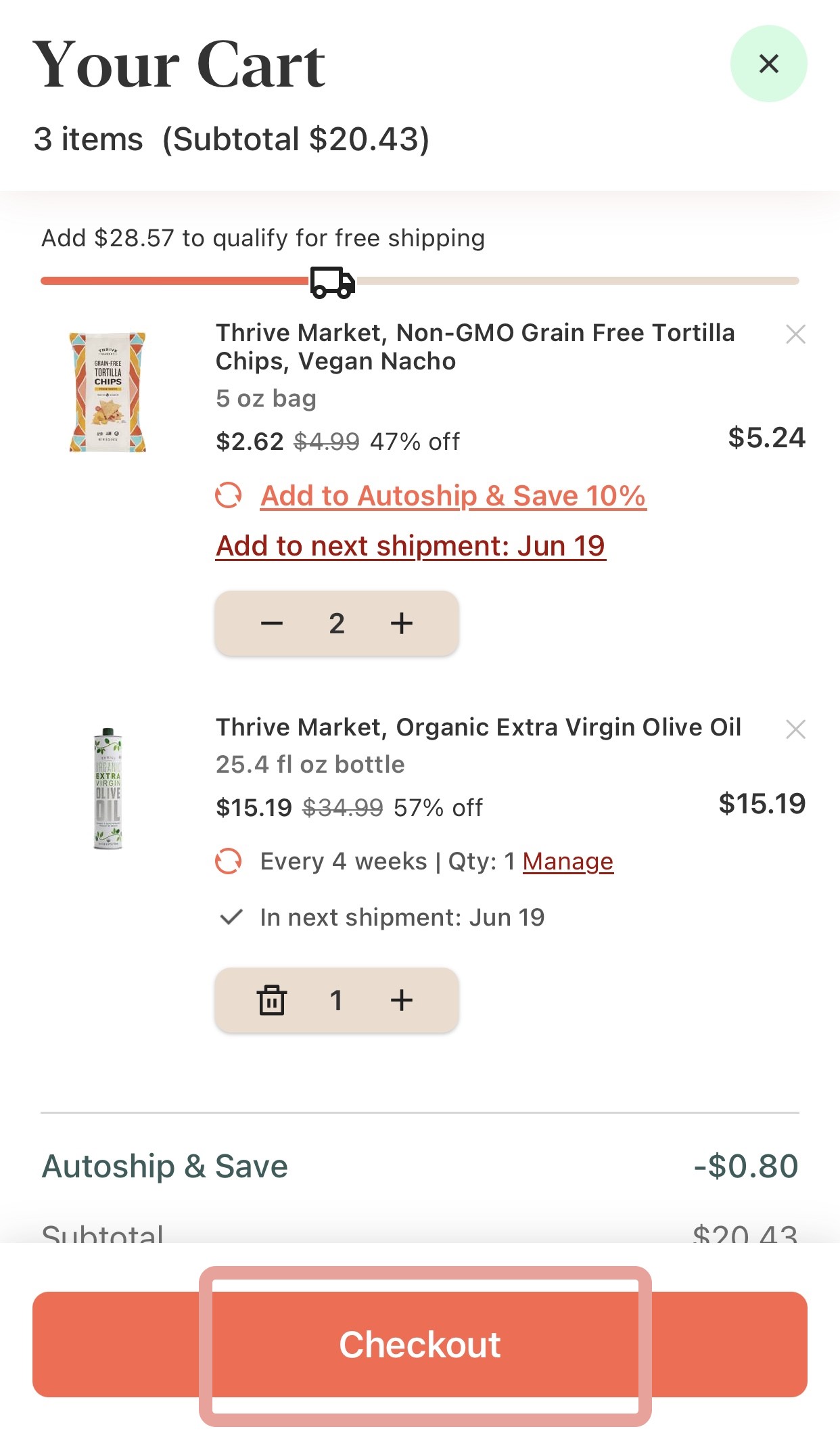
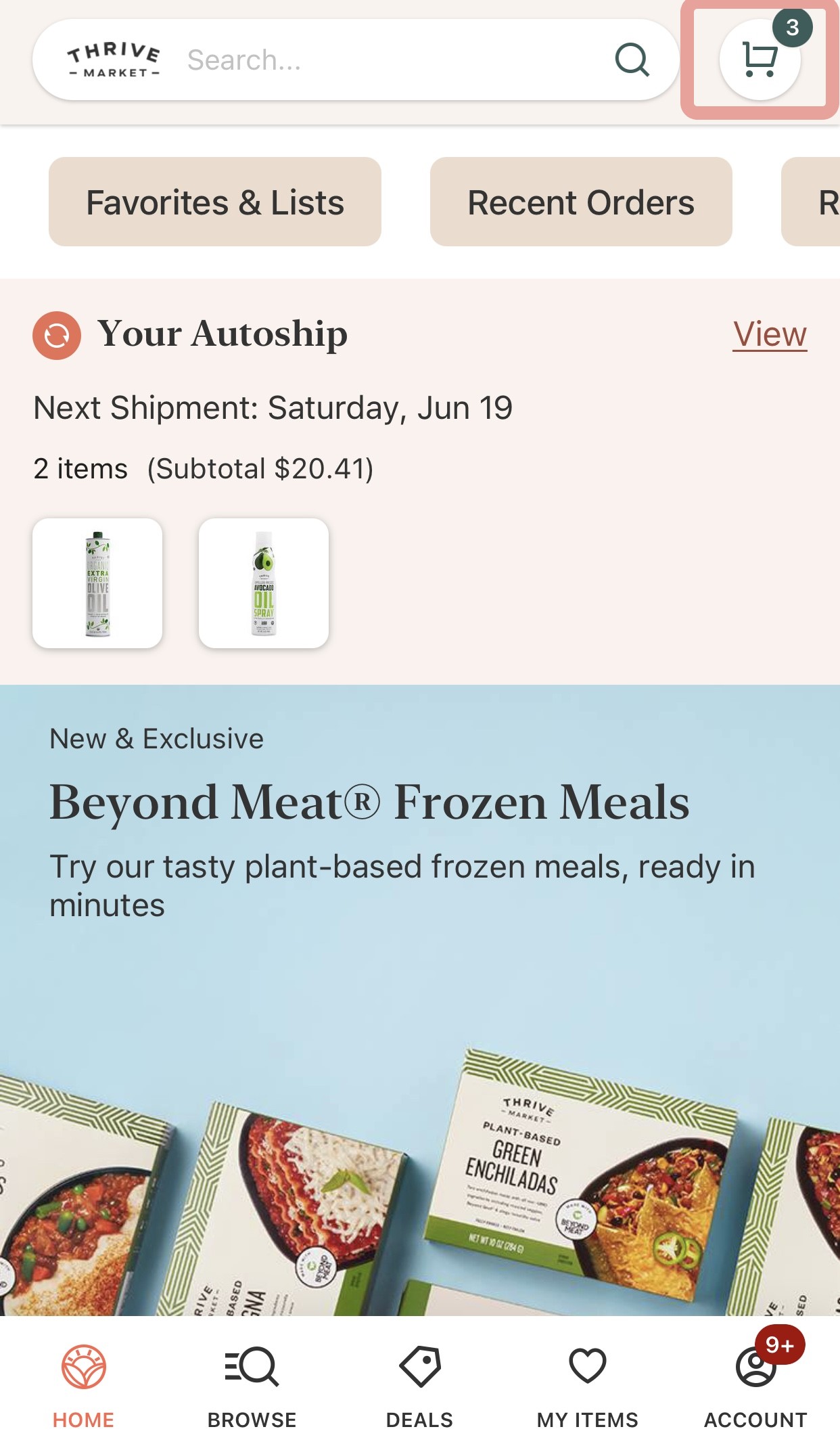
To view your cart, click on the shopping cart icon in the upper right corner of your screen, next to the search bar. Once you click on the icon, you will be taken to view your box and can see the items in your cart and whether you have met the free shipping threshold.
Once you are ready to checkout, you can click the “Checkout” button which will take you to the checkout page