
How do I donate at checkout?
Edited
To donate at checkout, scroll to the bottom of the checkout page. You will see a section next to the words "Thrive Gives" where we include information about what causes your donation will specifically be going towards.
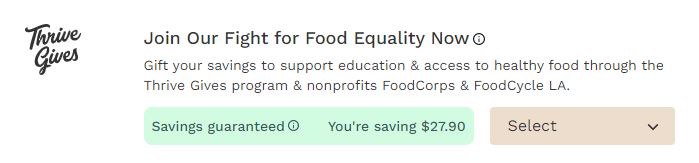
In this box, you can click the arrow shown in the box below and select what % of your savings you would like to donate.
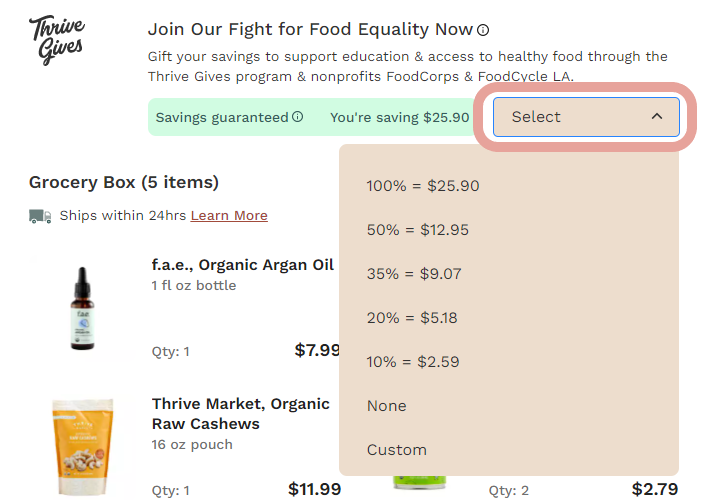
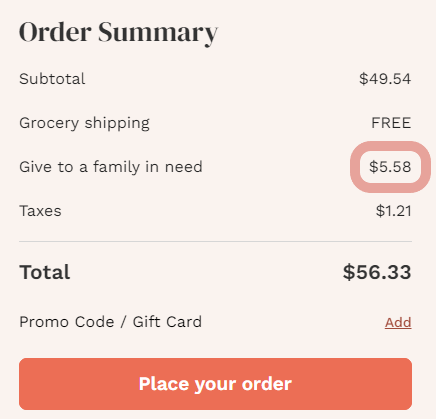
You can also select “Custom” and enter a custom amount in the box below. Once you select the amount to donate, you will see that same amount reflected on your order review under your Subtotal and Shipping.
Was this article helpful?
Sorry about that! Care to tell us more?