
How do I redeem a free gift?
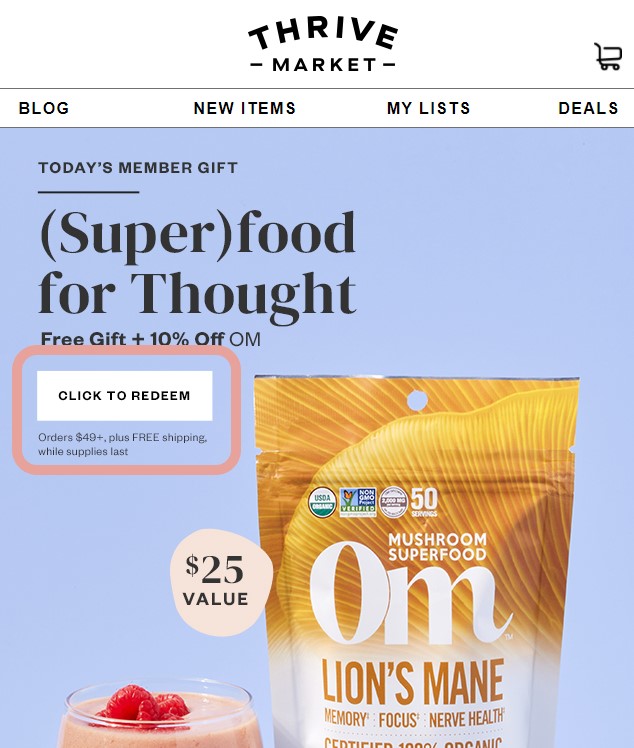
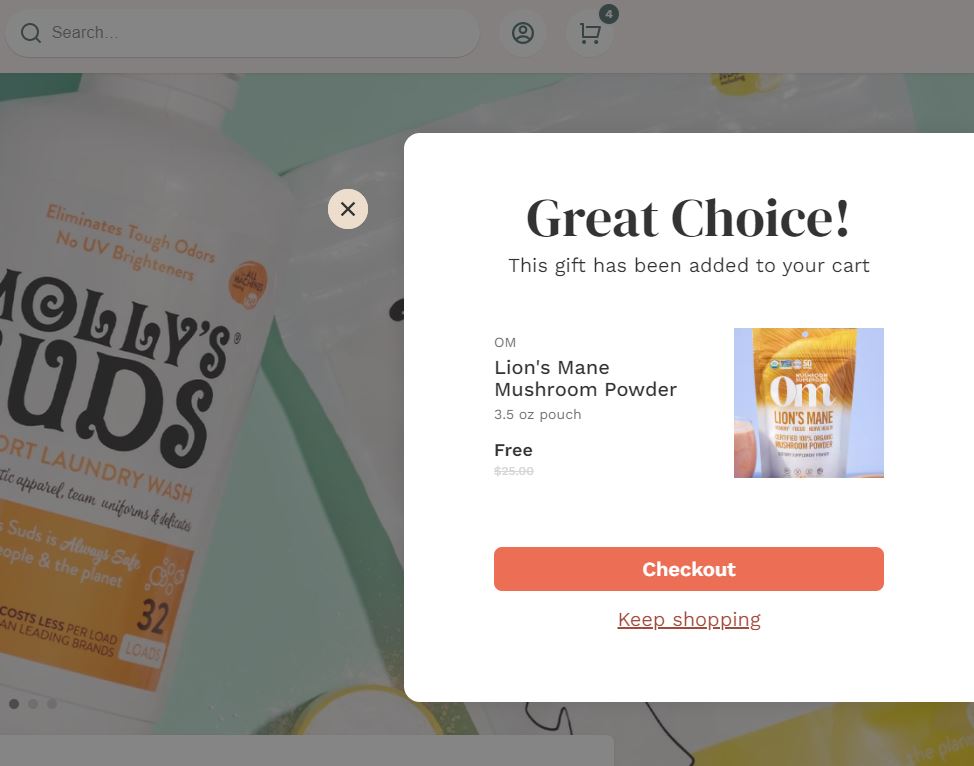
If you are eligible for a free gift, you will receive an alert via email or push notification. Once you click "Click To Redeem", you will see a box on our homepage advertising the free gift and a pop-up on your screen that confirms the gift has been added to your cart.
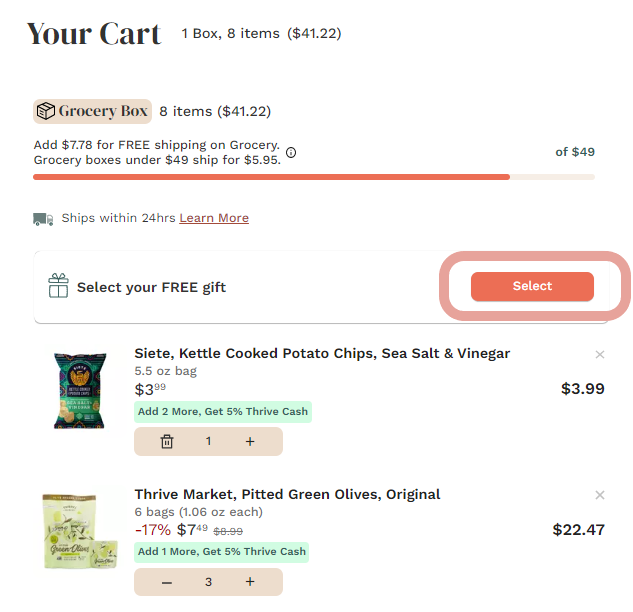
You'll also have the option to select a gift in your cart. Just click "Select" and any available gifts will pop up.
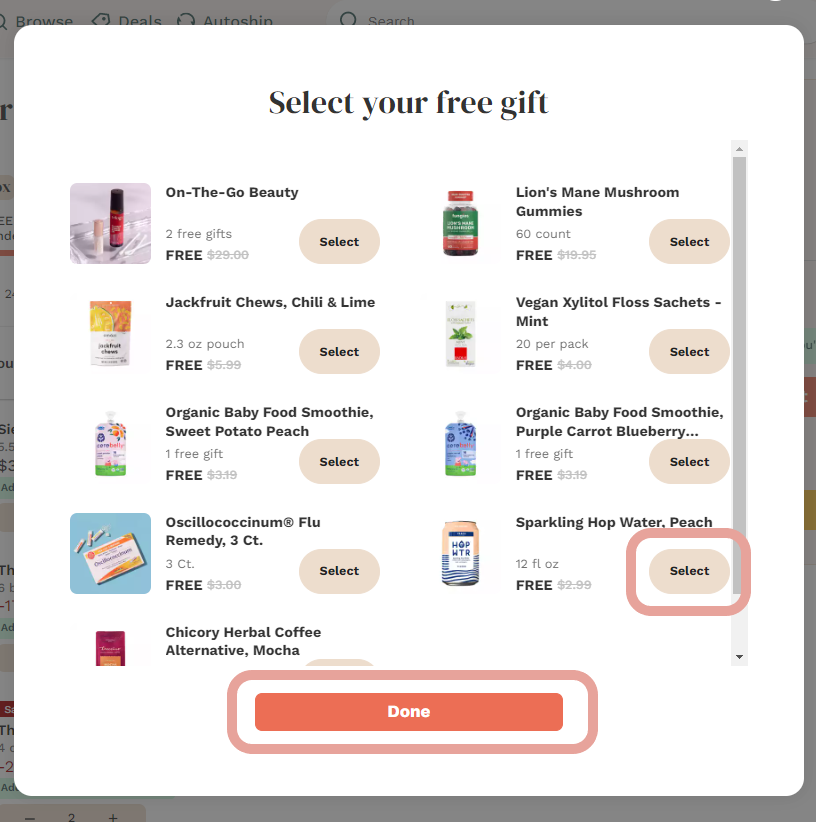
Select your free gift and click "Done" to add it to your cart.
If you do not see the gift added to your order, first check that you have met the minimum order requirement to redeem a free gift.
A cart total of at least $49 is the current minimum spending amount necessary to redeem a free gift. (Note: At this time, neither wine nor frozen orders count towards the minimum spending amount to redeem a free gift. The minimum spending amount to redeem a free gift may change per promotion. Please check your email or cart for requirements to redeem.).
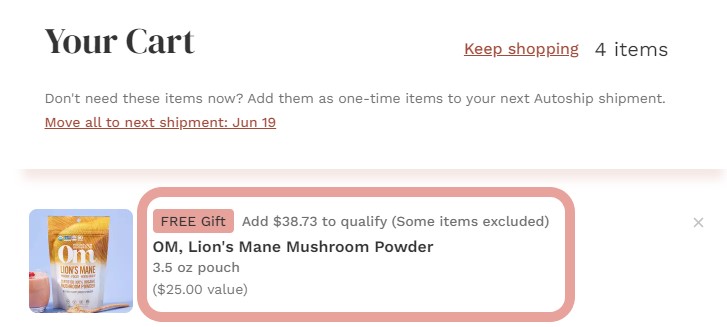
If you still do not see the free gift in your cart, check for other conditions that might apply (buy one and get one free, buy a specific brand product and get a free gift, etc.).
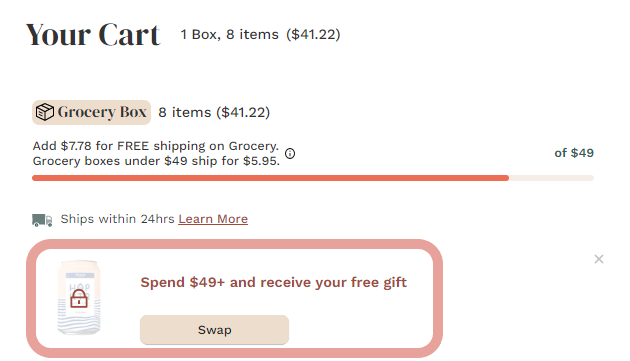
After you have qualified for a gift, you will be able to see the gift in your box before you checkout (Note: If you do not see a free gift in your box/cart, the gift will not be in your order so double check).
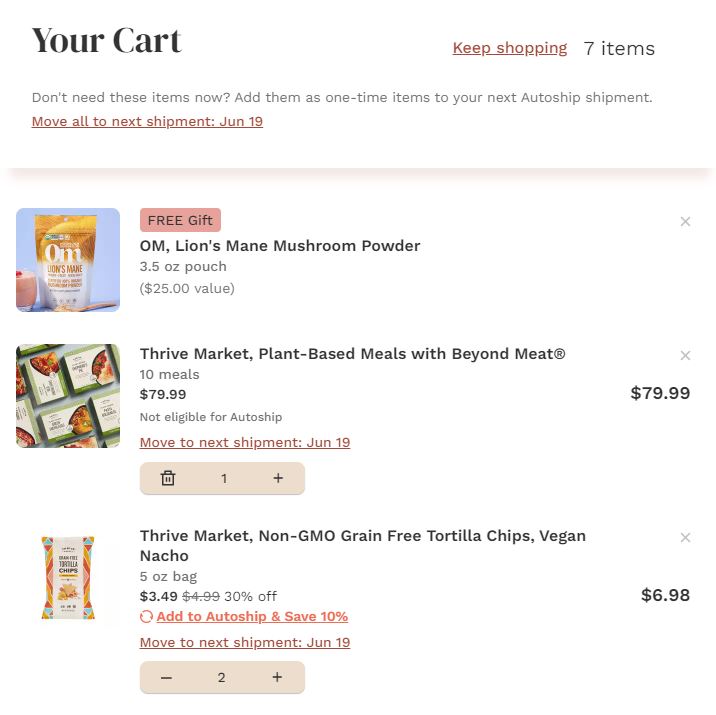
If you are still having trouble redeeming a gift, our Member Services team is available by chat 24/7 here.