
How do I use the barcode scanner feature to reorder my favorite products?
Edited
Our barcode scanner feature is a quick and simple way to locate and repurchase your favorite products on our website.
When on the app, tap on the search bar.
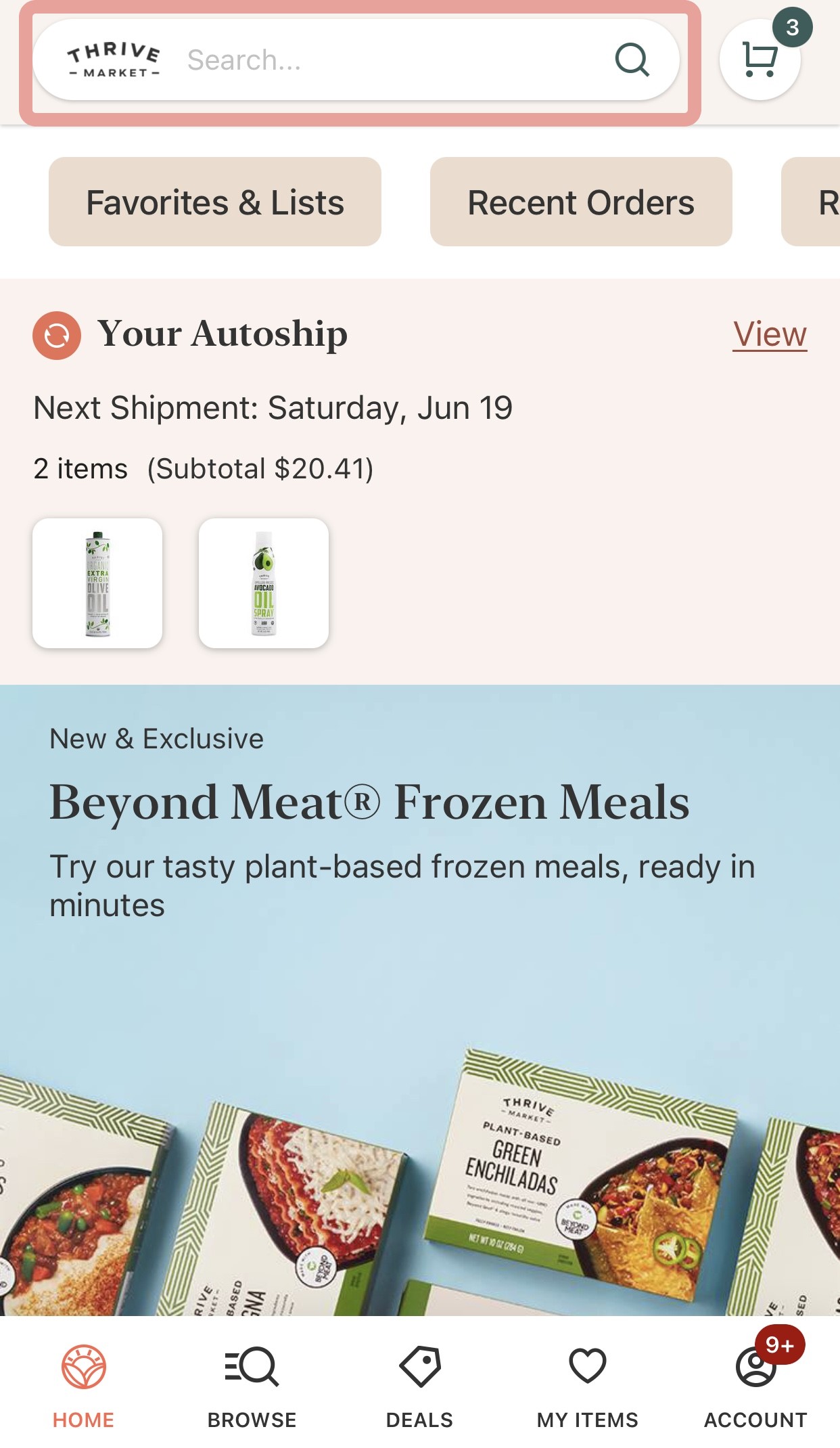
This will bring you to a screen showing popular searches and a button that looks like a barcode. Tap on this and it will open a barcode reader on your screen.
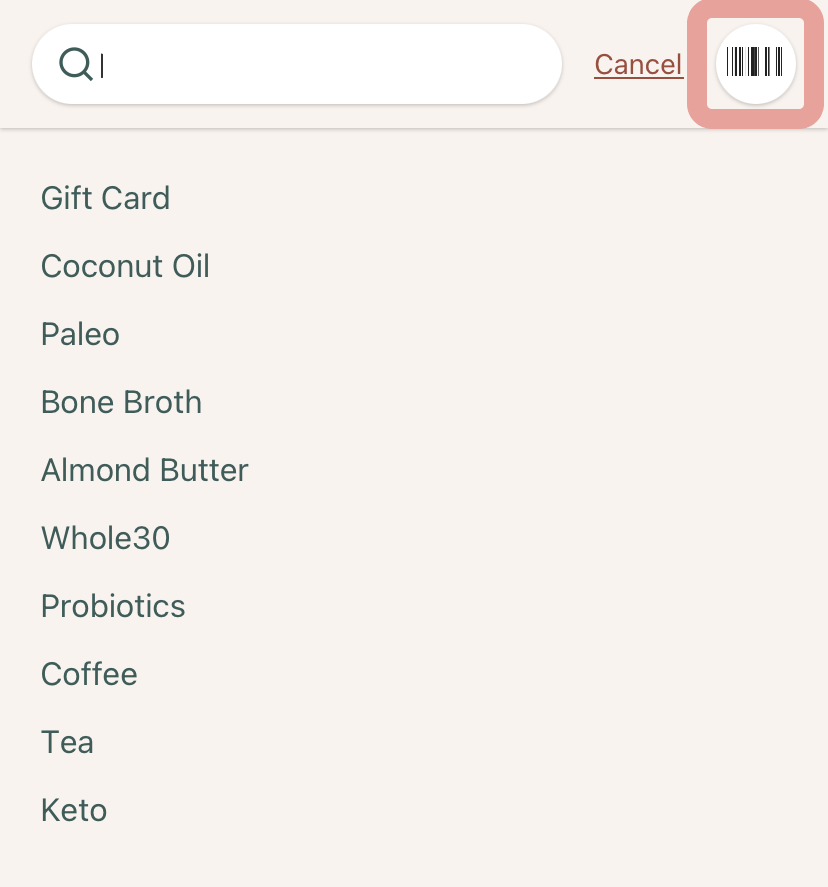
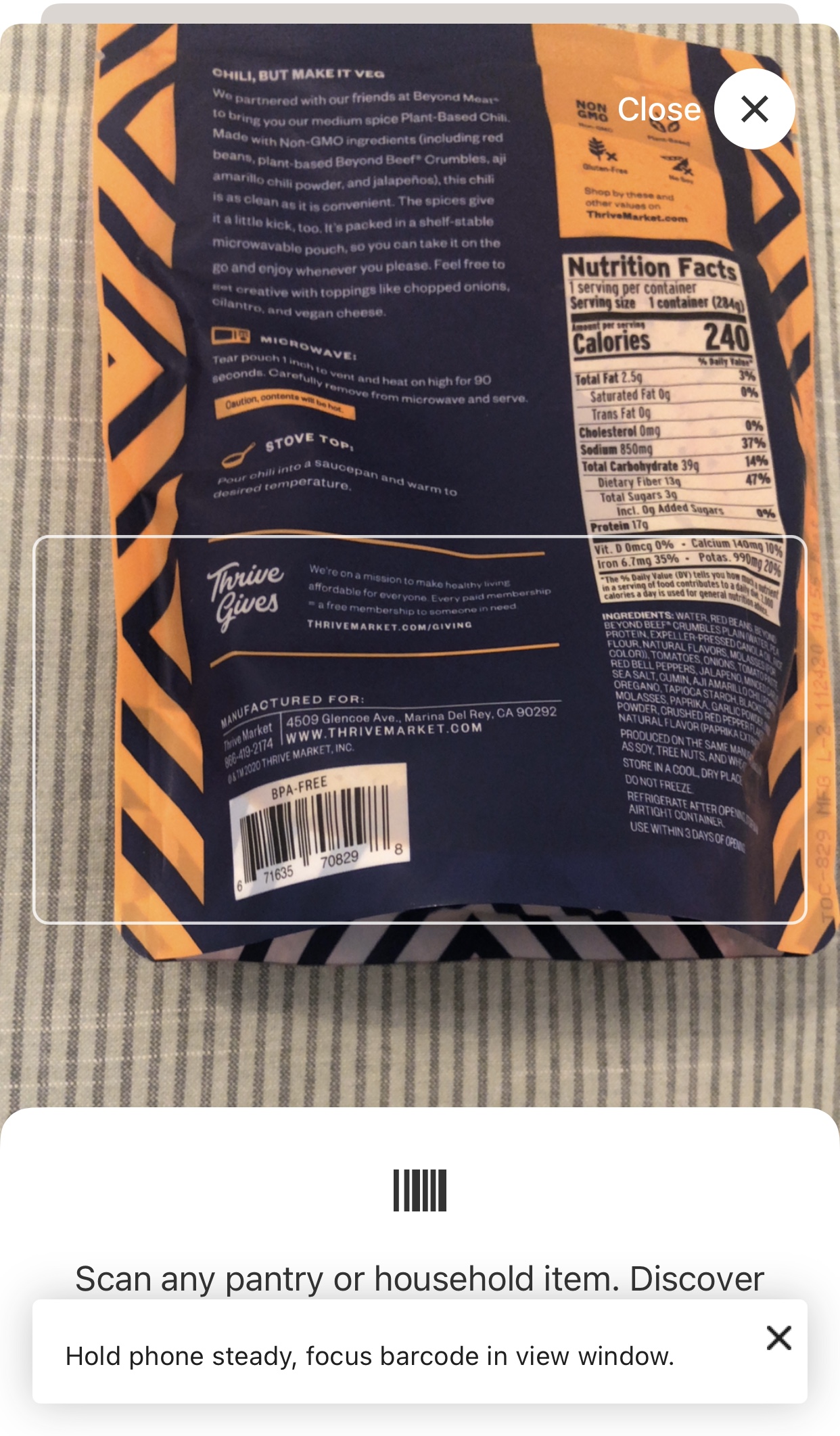
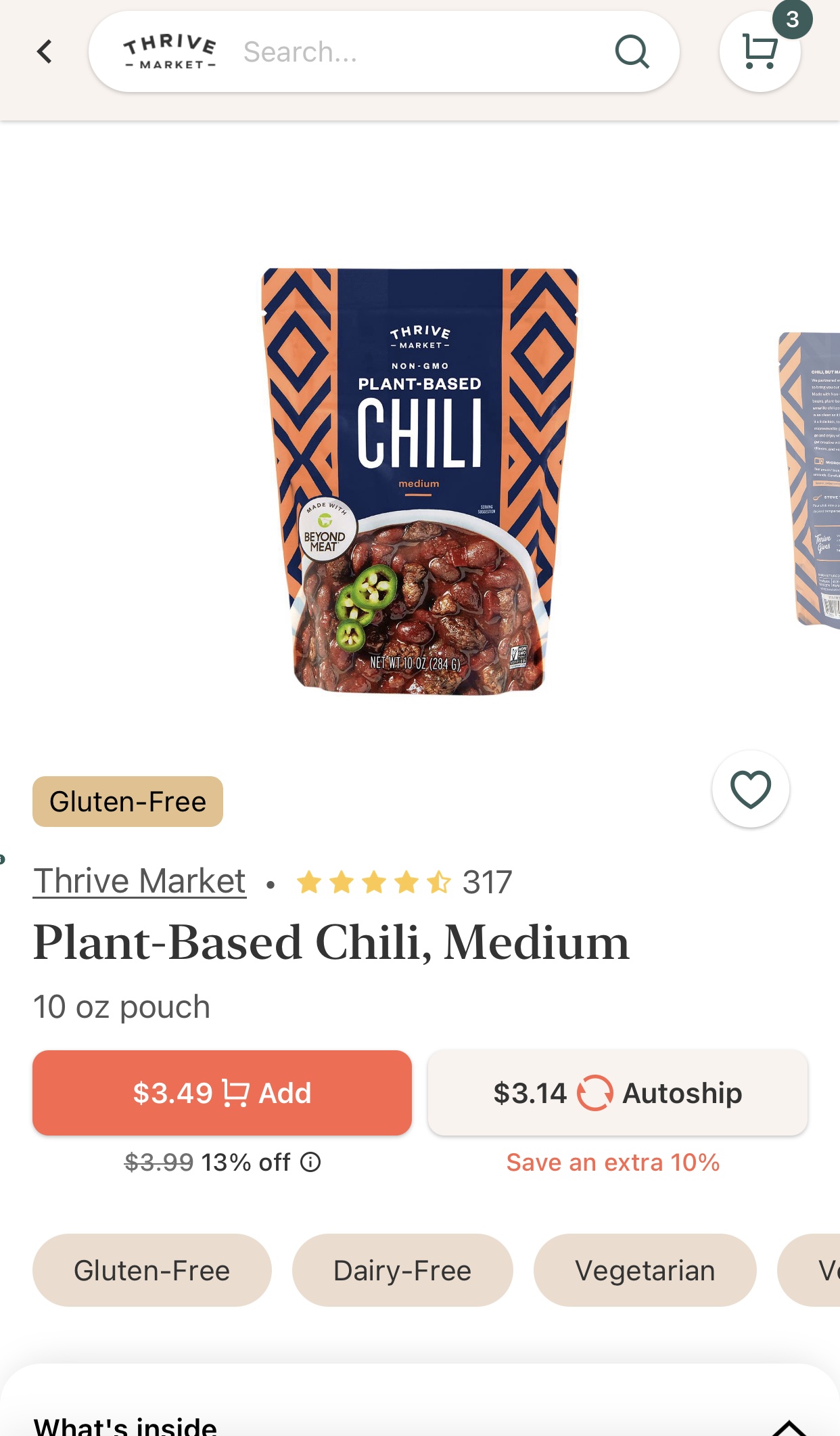
Center the barcode that you are trying to search inside of the white outline, and the app will automatically take you to the most relevant products. See the example below using the product Thrive Market Plant-Based Chili, Medium.
Was this article helpful?
Sorry about that! Care to tell us more?