
How do I turn on or turn off notifications on the app?
Edited
Notifications are a great way to keep track of when your order has shipped and receive updates on special deals or free gifts! If you would like to change your notification settings, check out the step-by-step instructions below:
iPhone:
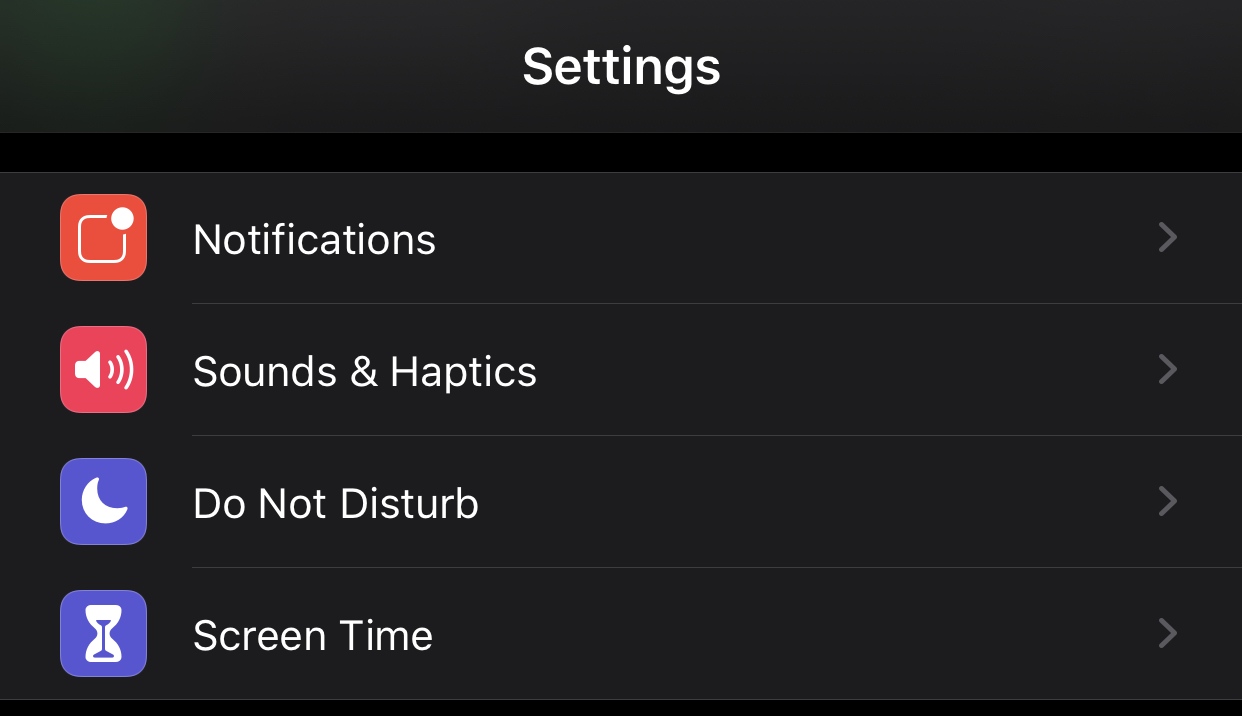
Click on "Settings" then "Notifications":
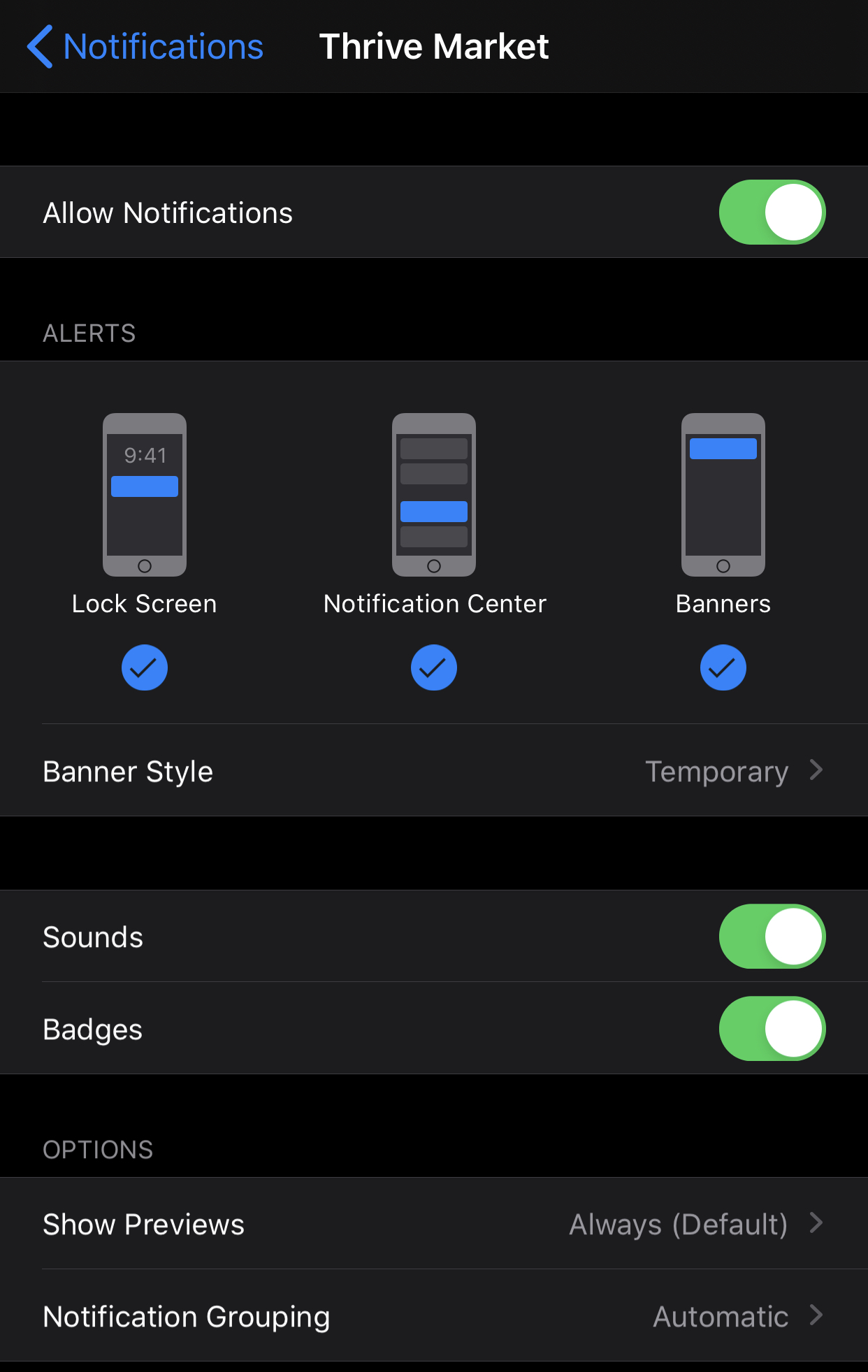
Scroll down to find "Thrive Market" tap that button. To turn notifications on or off, slide the "Allow Notifications" button. Green means that you have notifications turned on. You can also change the type of notifications here.
Android:
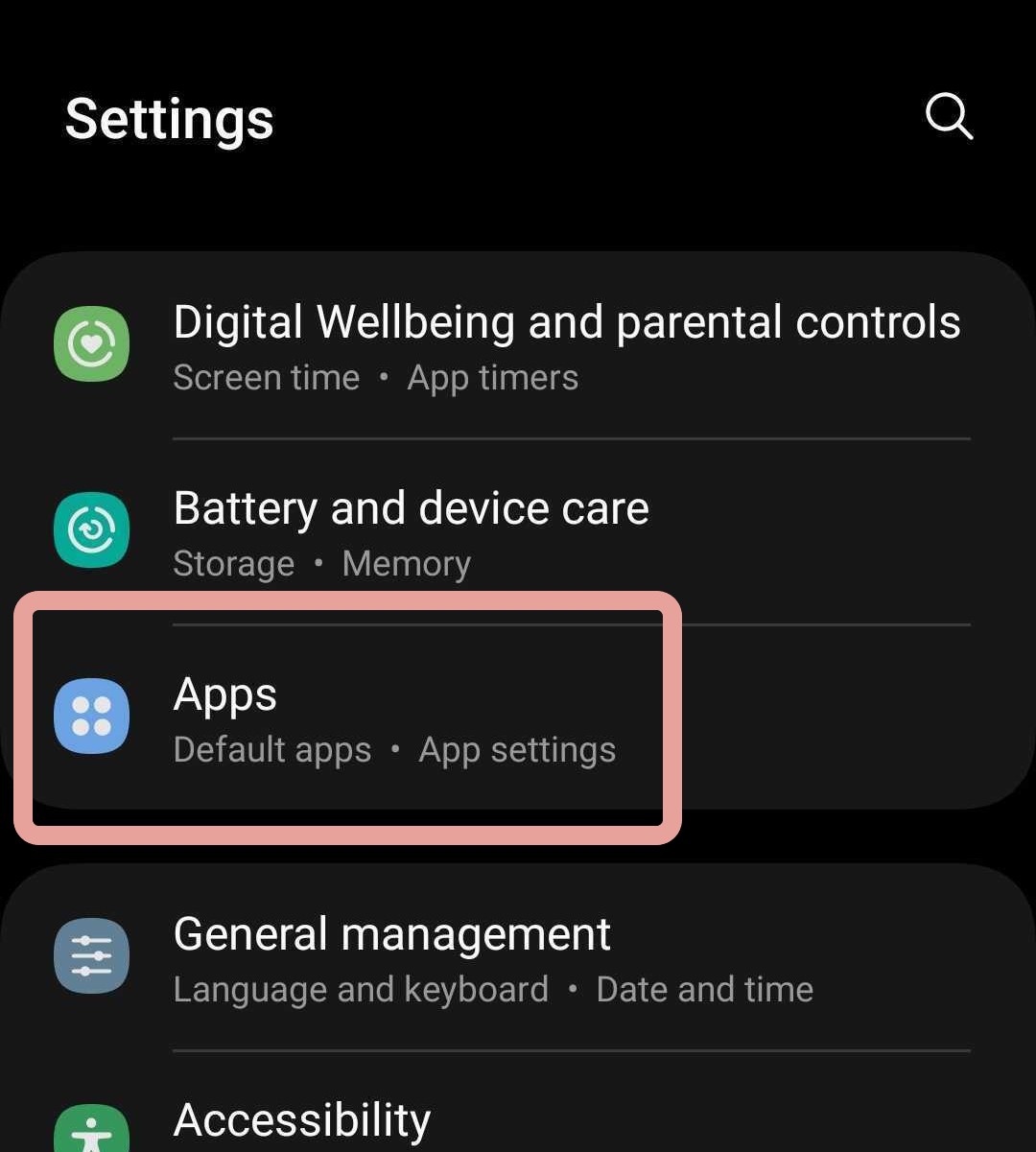
Go to Settings and select "Apps"
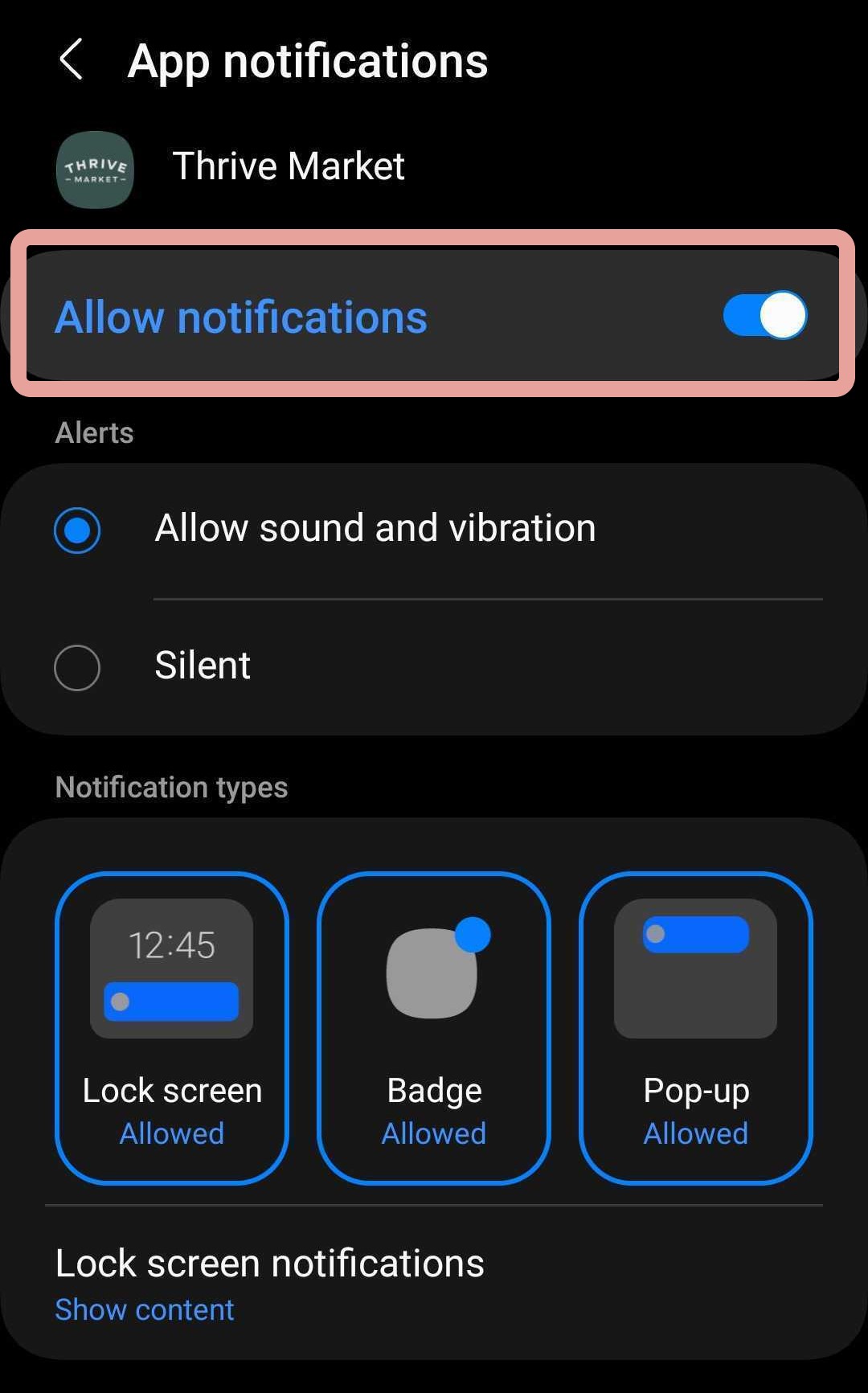
From your apps list, select Thrive Market and then tap on "Notifications"
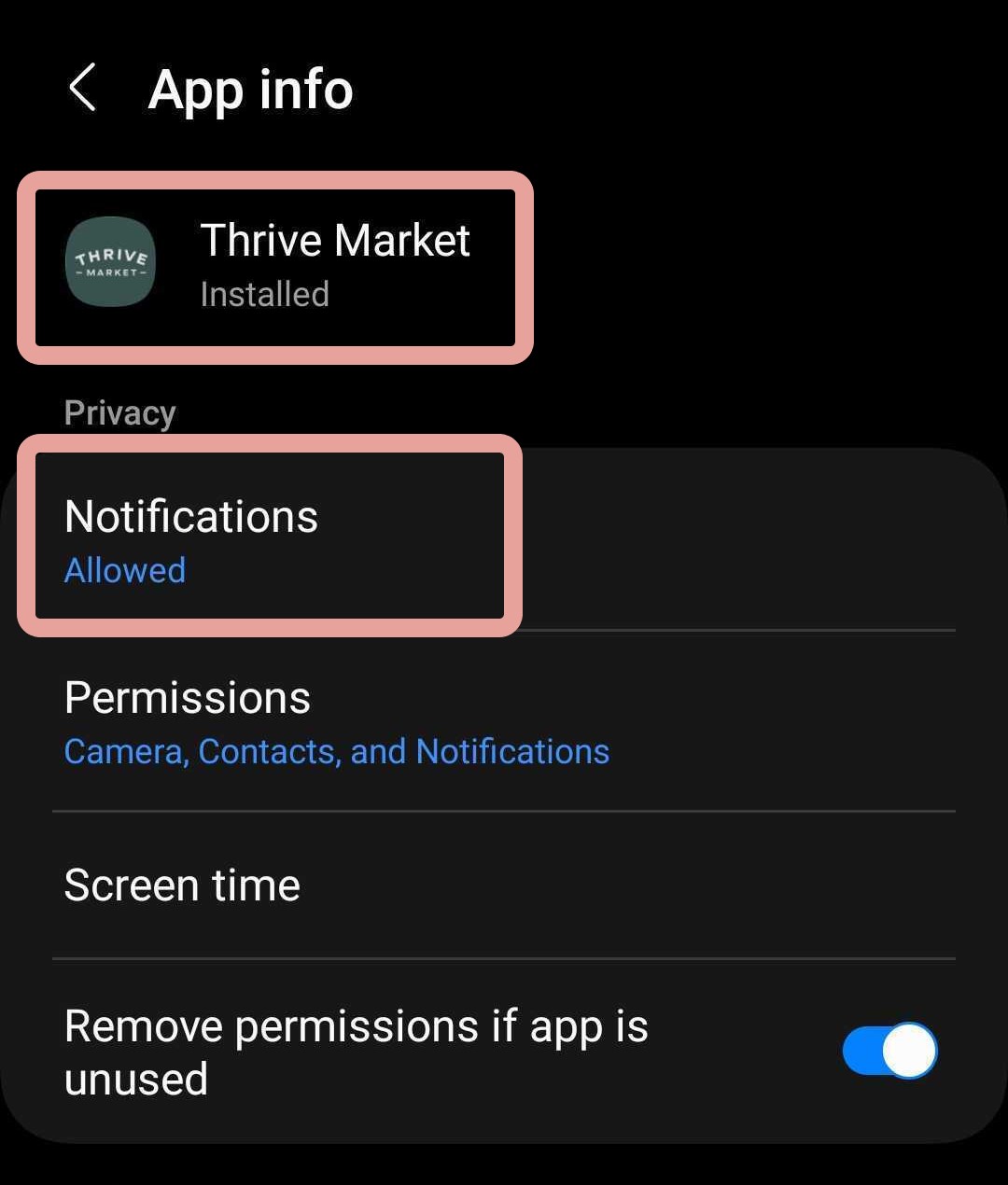
From this page, you can toggle notifications on or off and set preferences for how our notifications are displayed
Was this article helpful?
Sorry about that! Care to tell us more?