
How do I update my password?
Edited
.Here are the step-by-step instructions to change your password:
Scroll to the bottom, and you should see a link that says "Edit personal details" on the left-hand side. Click this.
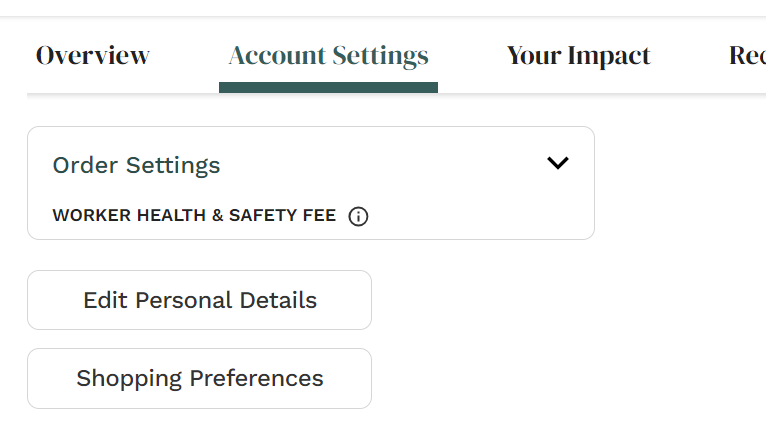
A box will pop up with your personal details. Check the circle next to where it says "Change password". From there, you will see 3 new lines pop up to enter your current and new password. Once you are done, just click "Save".
Still unable to change your password? Please contact Member Services via 24/7 live chat and we will be happy to help.
Was this article helpful?
Sorry about that! Care to tell us more?