
How do I change the email associated with my account?
Edited
Follow the steps below to update the email address associated with your Thrive Market account:
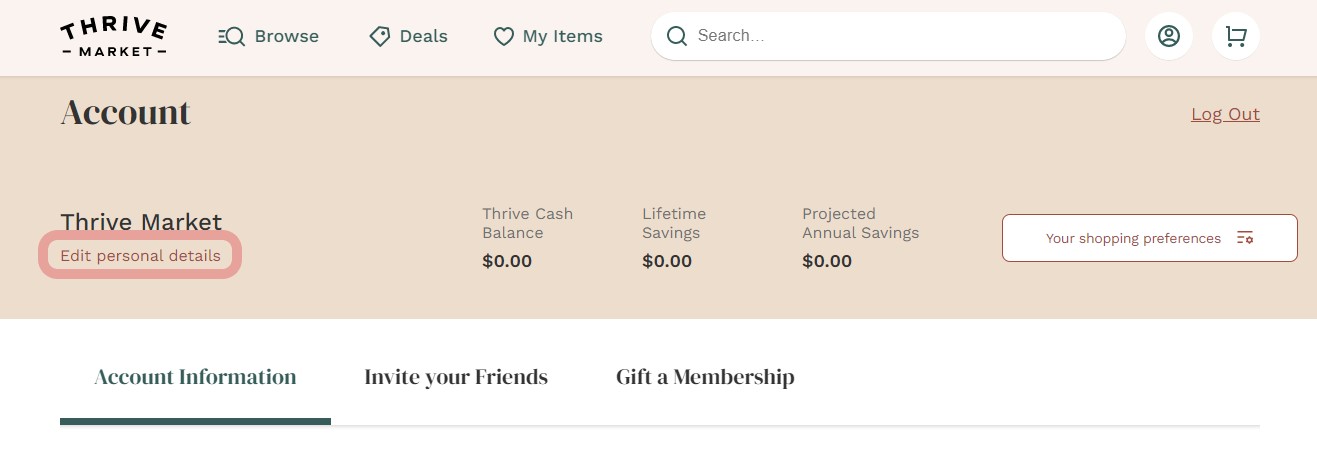
On this page, you should see a link under your name that says "Edit personal details". Click this.
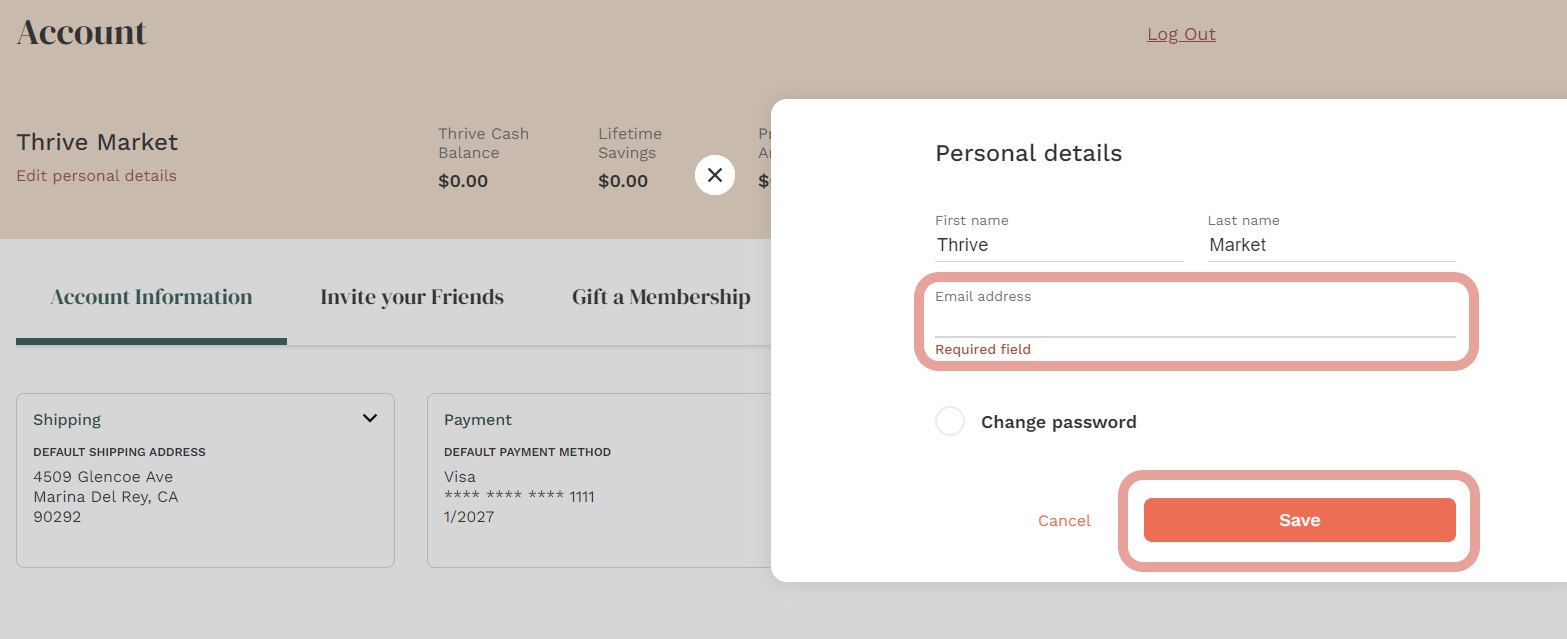
3. A box will pop up including your name and email. Here you can type in the new email you would like to use and click "Save" to save the change.
If you still need help updating your email, our Member Services team is available by chat 24/7.
Was this article helpful?
Sorry about that! Care to tell us more?